How do you write a script for a teleprompter?
Turn a written draft into a script you can speak aloud. Use short paragraphs, purposeful emphasis and a rehearsal pass before recording.
An online teleprompter that fits the way you record. Keep your words close to the lens, find a comfortable pace, and leave room for your phone.
Free. Private. No account needed. Data stays in your browser.
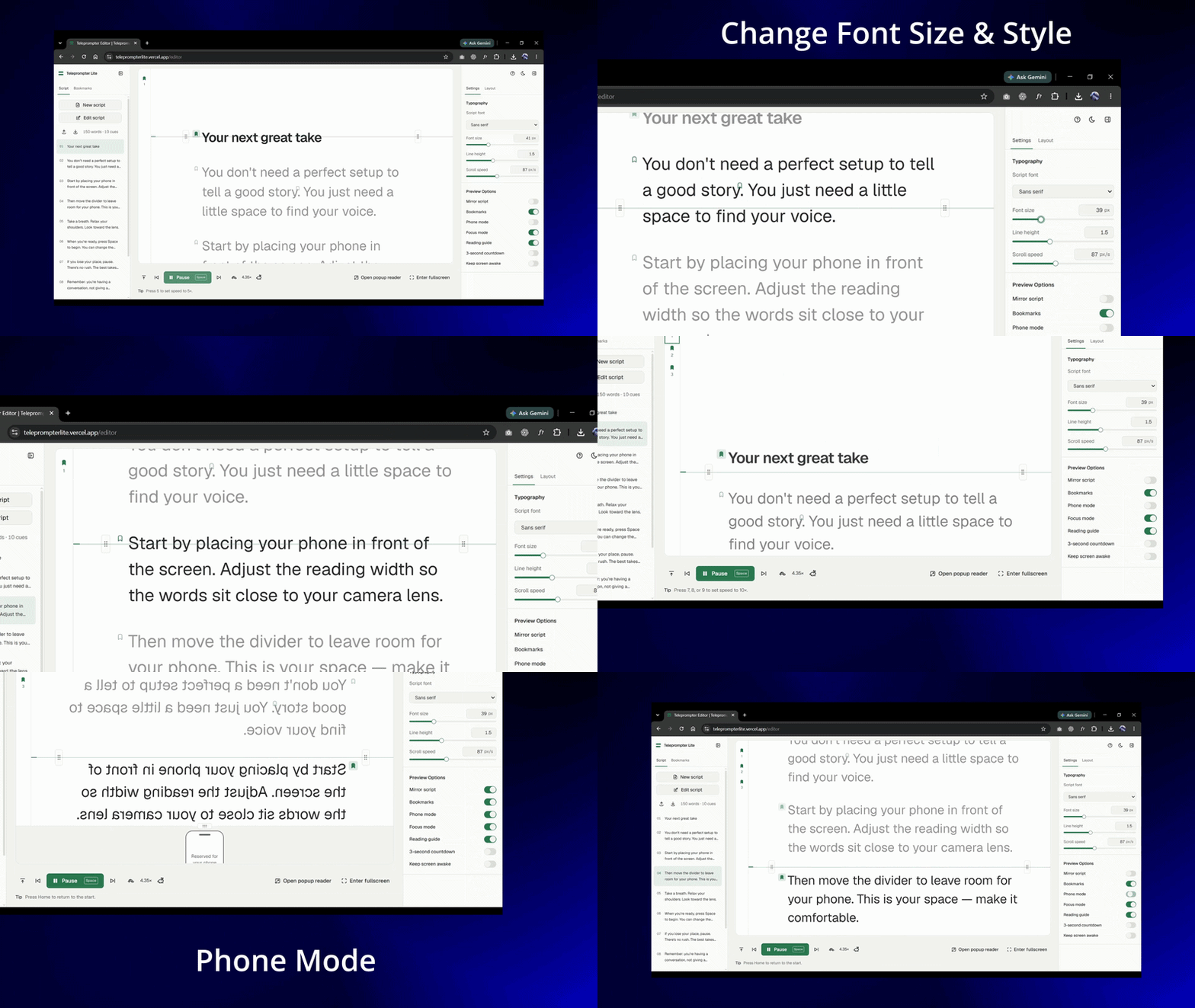
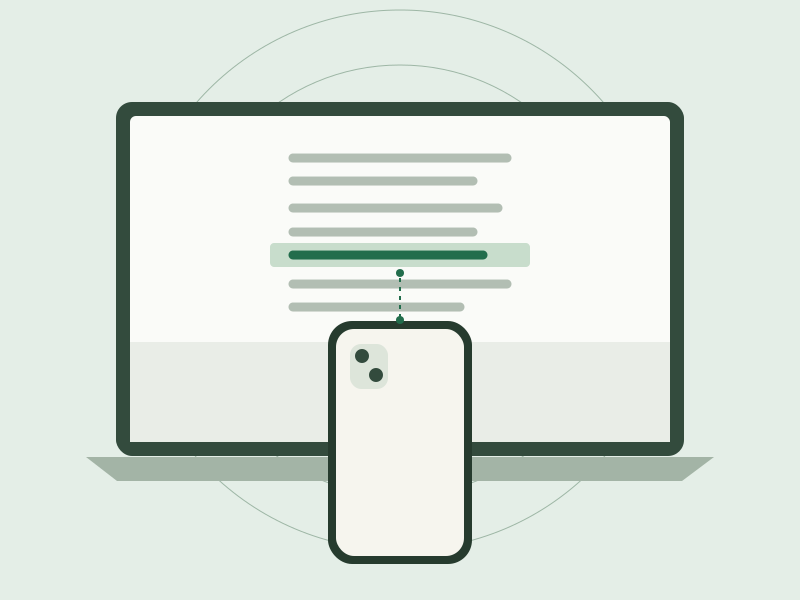
Keep the script near your lens, with space below for your recording phone. Adjust the reading area around your setup, instead of adjusting yourself around the screen.
See the setup guidePaste, write or import a Markdown script.
Set your reading layout and scrolling speed.
Press play. Record with your own camera.
Paste your script, set a comfortable scrolling speed, and read while recording with your own camera or phone. Teleprompter Lite lets you adjust the reading width and height, bookmark passages, and open a separate reader window. Your current draft and preferences save in this browser.
Change the scrolling speed while reading, pause at any point, and jump between paragraph cues. Font size, line spacing, a reading guide and focus mode help you shape a comfortable reading surface.
Learn the reading controlsBookmark script lines, give them useful labels, and jump back for a retake. If editing removes or changes a bookmarked line, you can reassign the bookmark instead of guessing where it moved.
Prepare scripts and bookmarksRead in fullscreen, mirror the text for reflective teleprompter glass, or open a synchronized popup reader on the same computer. You can move the popup to a second monitor.
Use a popup readerThis version saves one current script, bookmarks and preferences in browser storage. Export your script and configuration to keep backups. Clearing browser data can remove your saved work; there is no account or cloud script library.
Prepare a YouTube introduction, rehearse a training video, or read a presentation script. Use short paragraphs as cues and bookmarks for sections you expect to repeat.
Read the quick-start guideTeleprompter Lite is a browser teleprompter that scrolls a prepared script while you speak. You can change the reading speed, adjust the text layout, bookmark passages, and use fullscreen, mirrored text or a separate popup reader. Record with your own camera or phone; the app does not record video.
The current version runs in your browser without an account. Open the workspace, paste or import your script, and choose your reading settings. It does not require installing a desktop application.
The app saves one current draft, bookmarks and preferences in this browser's local storage. It does not upload your script to a script-storage service. Export your Markdown script and configuration JSON for backups. Clearing browser data or using a different browser or device can make the saved draft unavailable.
Yes. Open the teleprompter on your laptop, place your recording phone in front of the screen, and adjust the reading width and height around the lens. Phone mode reserves empty space below the text. Recording happens on your phone, separately from the teleprompter.
Set up a laptop and phoneMirror mode flips the script horizontally for reflective teleprompter glass. Leave it off when reading directly from a normal screen. It changes the displayed text, not your camera image or saved script.
Use mirror mode with teleprompter glassThe popup reader synchronizes with the workspace in a separate browser window on the same computer. Move that window to a second monitor if you use one. This version does not connect to a separate phone, tablet or computer as a remote reader.
Popup reader troubleshootingStart with the setup, then shape the script and pace to match your delivery.
Turn a written draft into a script you can speak aloud. Use short paragraphs, purposeful emphasis and a rehearsal pass before recording.
Find a comfortable scrolling speed by rehearsing at your recording distance. Understand speed multipliers, text size and pauses in Teleprompter Lite.
Plan a rehearsal and retake workflow using paragraph cues, named bookmarks and separate script backups in Teleprompter Lite.
Bring your words. Set your pace. Press play.